
DS9308 is a handheld imaging scanner user manual, which introduces the basic functions and usage methods of the scanner.
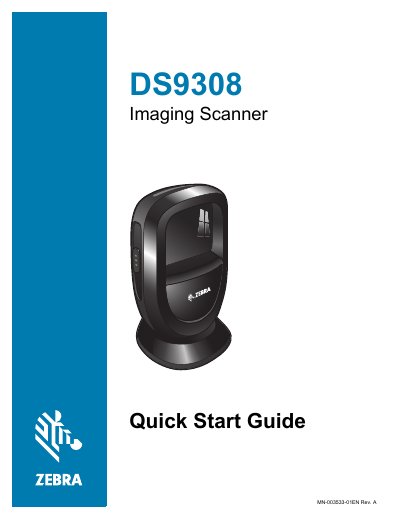
The Zebra DS9308 Hands-Free Imaging Scanner Quick Start Guide provides setup information for the scanner. It covers features, cable insertion and removal, mounting options, and inserting or removing the scanner.
It also explains how to connect the host interface for USB, RS-232, and IBM 46XX, including selecting host barcodes where the default setting does not meet requirements.
| USB default host interface | USB Keyboard HID |
|---|---|
| RS-232 default host interface | Standard RS-232 |
| IBM 46XX default host interface | No default setting |
Yes. The digital scanner automatically detects the host interface type and uses the default setting.
The default USB setting is USB Keyboard HID.
The default RS-232 setting is Standard RS-232.
No. For IBM 46XX, there is no default setting; scan one of the listed barcodes to select the appropriate port.