
Key facts
- Brand
- Zebra
- Model
- DS2278
- Category
- Other device
- Industry
- Electronics
- Documents
- 2
- Languages
- EN · ZH
- Last added
- 2026-11-13
Start here
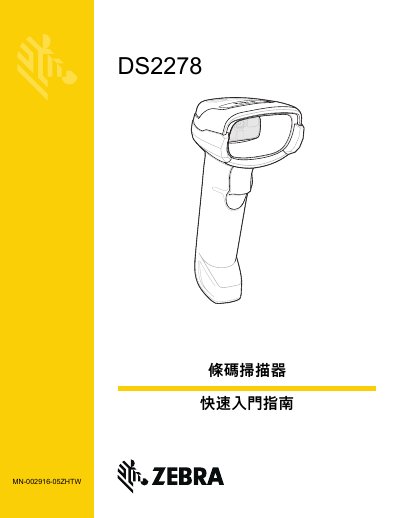
Zebra DS2278 Barcode Scanner Quick Start Guide
This Traditional Chinese quick start guide introduces the Zebra DS2278 barcode scanner and its cradle. It identifies the scanner parts — scan window, scan LED, scan trigger, beeper, host port and cradle cable connection — and shows how to seat the scanner in the cradle, insert and remove the battery, and charge the scanner with a Micro USB cable.
The guide then explains Micro USB HID conversion, where scanning the HID device conversion barcode makes the scanner enumerate as an HID device so charging starts faster instead of waiting for a CDC driver. It also gives the host interface selection barcodes for USB (keyboard HID, IBM Hand-Held USB, OPOS, SNAPI), standard and ICL/Wincor-Nixdorf RS-232, keyboard wedge, and IBM 46XX ports, followed by regulatory, RoHS/WEEE and support information. This manual is written in Chinese.
All Zebra DS2278 documents by type
Day-to-day operation, settings and troubleshooting. Start here if the product is already set up.
The shortest path to a working setup, usually only a few pages.
Questions answered in these manuals
What license does Zebra grant for the software?
Zebra grants a non-transferable and non-exclusive license to use each software or firmware program delivered hereunder.
Is the software provided with any warranty?
The software is provided strictly on an "as is" basis.
Should the battery be fully charged before use?
Yes. The guide recommends fully charging the battery before putting it into use.
Can a Micro USB cable be used to charge the scanner?
Yes. The Micro USB cable can be used to charge the digital scanner.