
Key facts
Start here
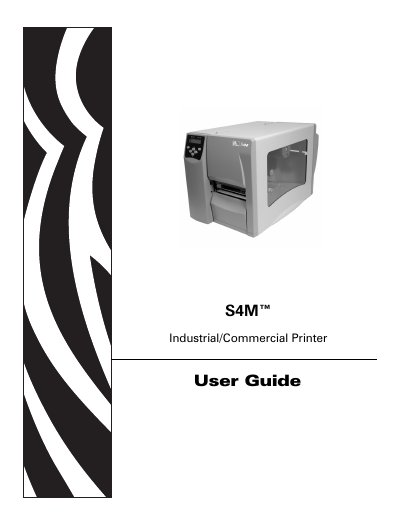
Zebra S4M Printer User Manual
This manual explains how to install, configure, and operate the Zebra S4M industrial/commercial printer. It includes safety guidelines, hardware overview, and detailed instructions for loading media and ribbons.
The guide is organized into sections covering printer setup, daily operations, configuration options, routine maintenance, troubleshooting, and technical specifications, with appendices for ZPL II commands and proprietary statements.
Zebra S4M specifications
| Media roll outer diameter | 203 mm |
|---|---|
| Media roll inner diameter | 76 mm |
| Alternative media roll outer diameter | 152 mm |
| Alternative media roll inner diameter | 25 mm |
| Print resolution (high) | 12 dots per mm |
| Power supply | 90‑265 VAC, 48‑62 Hz |
| Operating temperature | -40 °C to 60 °C |
| Operating humidity | 20‑85 % non‑condensing |
All Zebra S4M documents by type
Day-to-day operation, settings and troubleshooting. Start here if the product is already set up.
Questions answered in these manuals
What is the part number of the S4M printer?
The part number for the S4M printer is 13290L-001.
Who is the intended audience for this user guide?
The guide is intended for anyone who needs to operate or troubleshoot the printer.
What connectivity options does the Zebra S4M printer support?
It supports serial, parallel, USB, built‑in 10/100 Ethernet, and wireless 802.11b connections.
What types of media can the S4M printer use?
The printer can use continuous paper, die‑cut labels, tag stock, and black‑mark media for thermal and thermal‑transfer printing.