
Key facts
- Brand
- Yamaha
- Model
- P1600
- Category
- Other Electronics
- Industry
- Electronics
- Documents
- 2
- Languages
- EN
- Last added
- 2012-06-11
Start here
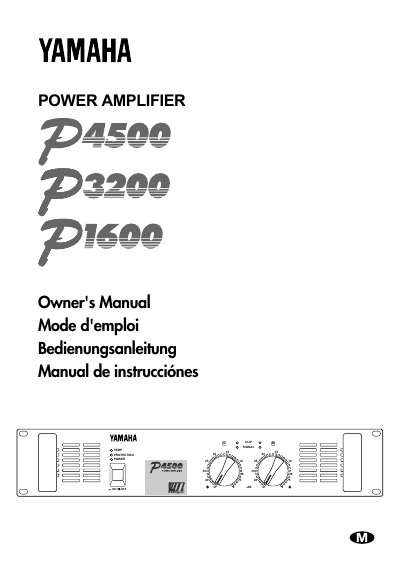
Yamaha P4500/P3200/P1600 Series Power Amplifier Owner's Manual
This manual provides instructions for the Yamaha P4500, P3200, and P1600 series power amplifiers. It details the controls and functions found on the front and rear panels, including the POWER switch, indicators, and various input/output terminals. The document explains three operating modes: STEREO, PARALLEL, and BRIDGE, along with specific connection diagrams for each.
Read onlineYamaha P1600 specifications
| Minimum Impedance (Stereo/Parallel) | 4Ω |
|---|---|
| Minimum Impedance (Bridge) | 8Ω |
| Heat Sink Overheat Threshold | 85°C |
Source: Yamaha P4500/P3200/P1600 Series Power Amplifier Owner's Manual
All Yamaha P1600 documents by type
Day-to-day operation, settings and troubleshooting. Start here if the product is already set up.
Questions answered in these manuals
What are the three operating modes of the amplifier?
The three modes are STEREO, where channels A and B operate independently; PARALLEL, where a mono source is output by two amp systems; and BRIDGE, where the unit operates as a single high-power amplifier.
From: Yamaha P4500/P3200/P1600 Series Power Amplifier Owner's Manual
When do the CLIP indicators light up?
The CLIP indicators light up when the respective channel's output signal distortion exceeds 1%, which is usually due to excessive input signal levels.
From: Yamaha P4500/P3200/P1600 Series Power Amplifier Owner's Manual
What operating modes does the amplifier support?
The amplifier can be set to Stereo, Parallel, or Bridge mode.
How can I protect my speakers if the amplifier’s output exceeds their capacity?
Install a fuse in series with the speaker using the formula provided (e.g., 100 W/8 Ω = 3.5 A).