
Key facts
- Brand
- Yamaha
- Model
- HS80M
- Industry
- Electronics
- Documents
- 2
- Languages
- EN
- Last added
- 2011-11-20
Start here
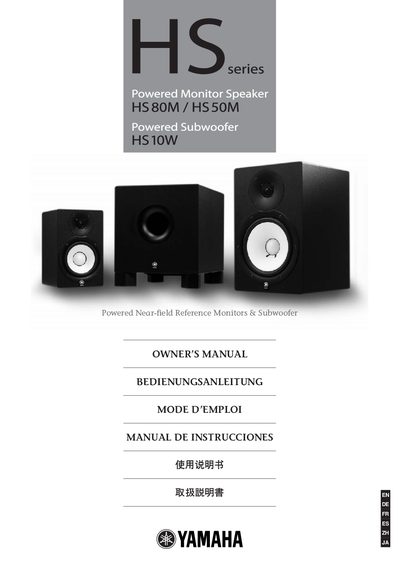
Yamaha HS50M/HS80M/HS10W Powered Monitor Speakers & Subwoofer Owner's Manual
This Owner's Manual gives safety and handling instructions for the Yamaha HS series powered monitor speakers and subwoofer. It covers warnings, required voltage, proper grounding, and the need for qualified service personnel when repairs are required.
The guide explains how to set up the monitors, choose the appropriate connectors (XLR, 1/4‑inch phone jack, RCA), adjust the Room Control switch, position the speakers for optimal sound, and fine‑tune level, high‑cut, low‑cut, and mid‑range settings. It also includes a brief specifications section and diagrams of the rear panel.
Yamaha HS80M specifications
| Type | Biamp 2‑way Powered speaker (HS50M/HS80M), Powered Subwoofer (HS10W) |
|---|---|
| Crossover Frequency | 3 kHz (HS50M/HS80M), 2 kHz (HS10W) |
| Overall Frequency Response | 55 Hz‑20 kHz (HS50M), 42 Hz‑20 kHz (HS80M), 30 Hz‑180 Hz (HS10W) |
| Dimensions (W × H × D) | 165 × 268 × 222 mm (HS50M), 250 × 390 × 332 mm (HS80M), 300 × 350 × 386 mm (HS10W) |
| Total Output Power (dynamic) | 70 W (HS50M), 120 W (HS80M), 150 W (HS10W) |
Source: Yamaha HS50M, HS80M, HS10W Powered Near‑field Reference Monitors & Subwoofer Owner’s Manual
All Yamaha HS80M documents by type
Day-to-day operation, settings and troubleshooting. Start here if the product is already set up.
Questions answered in these manuals
Which input connectors are provided on the rear panel?
Each unit has a balanced XLR‑3‑31 connector and a balanced PHONE connector for input.
From: Yamaha HS50M, HS80M, HS10W Powered Near‑field Reference Monitors & Subwoofer Owner’s Manual
How can the low‑cut filter be adjusted?
Use the LOW CUT switch, which offers FLAT, 80 Hz, or 100 Hz settings with a 12 dB/octave slope.
From: Yamaha HS50M, HS80M, HS10W Powered Near‑field Reference Monitors & Subwoofer Owner’s Manual