
Key facts
- Brand
- Yamaha
- Model
- TX6n/TX5n/TX4n
- Category
- Audio Power Amplifier
- Industry
- Electronics
- Documents
- 4
- Languages
- EN
- Last added
- 2012-06-11
Start here
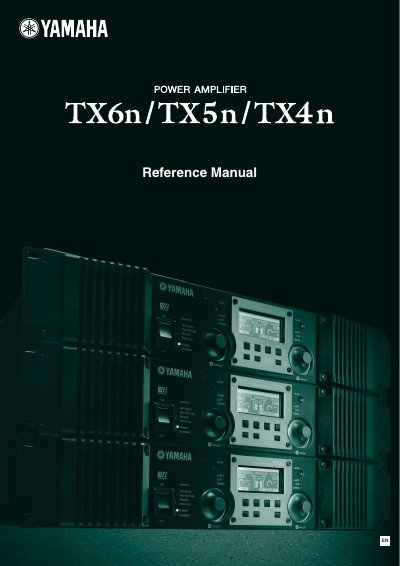
Yamaha TX6n/TX5n/TX4n Power Amplifier Reference Manual
The document serves as a comprehensive guide for the Yamaha TX6n, TX5n, and TX4n power amplifiers. It details front and rear panel controls, including indicators for protection, mute, and signal status, as well as functions like bridge and parallel modes.
The manual explains how to navigate the LCD display screens to adjust parameters such as attenuation, input/output levels, EQ settings, and scene management. It also covers system connections, including EtherSound and CobraNet, and provides troubleshooting information for alert messages.
All Yamaha TX6n/TX5n/TX4n documents by type
Day-to-day operation, settings and troubleshooting. Start here if the product is already set up.
Questions answered in these manuals
What happens if the amplifier overheats?
The speaker output will be attenuated if the heat sink exceeds 80°C, and muted if it exceeds 90°C.
From: Yamaha TX6n/TX5n/TX4n Power Amplifier Reference Manual
How do I switch between Standby and On modes?
Hold down the [HOME] button for three seconds or longer, then press [ENTER] to confirm.
From: Yamaha TX6n/TX5n/TX4n Power Amplifier Reference Manual
How often should the cooling fan air filter be cleaned?
The cooling fan air filter should be inspected and cleaned periodically to prevent malfunction or fire caused by dust and dirt.
What happens if the backup battery is depleted?
If the backup battery becomes depleted, the contents of the internal memory, such as current scene parameters and event logs, will be lost.
What happens if the backup battery is depleted?
The contents of the internal memory will be lost, including current scene parameters and device parameters.
How often should the backup battery be replaced?
The average life of the internal backup battery is approximately 5 years, depending on operating conditions.