
Key facts
- Brand
- Vaisala
- Model
- PTB210
- Industry
- Industrial
- Documents
- 6
- Languages
- JA · EN
- Last added
- 2012-04-06
Start here
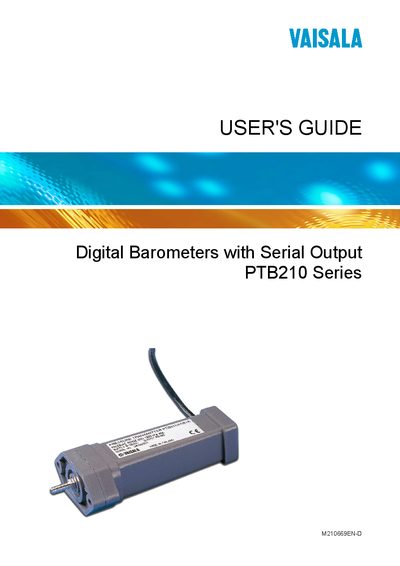
Vaisala PTB210 User's Guide
This guide explains how to install, configure, and use the Vaisala PTB210 digital barometer with serial output. It includes safety information, wiring details, and serial communication settings such as baud rate and identification code.
The manual also covers calibration procedures, technical specifications, warranty terms, and recycling instructions. Figures and tables illustrate mounting options, connector pinouts, and performance data.
Vaisala PTB210 specifications
| RS232C interface | Supported |
|---|---|
| RS485 interface | Supported |
| RS232C/TTL interface | Supported |
| Baud rate setting | Configurable |
| Warranty period | 12 months |
Source: Vaisala PTB210 User Manual
All Vaisala PTB210 documents by type
Day-to-day operation, settings and troubleshooting. Start here if the product is already set up.
Questions answered in these manuals
How do I set the baud rate for the PTB210?
Use the .BAUD command in the serial interface to configure the baud rate.
How can I reset the PTB210 device?
Send the .RESET command to perform a device reset.
What is the warranty period for Vaisala products?
Vaisala guarantees 12 months from delivery against manufacturing or material defects.
How can I set the baud rate on the PTB210?
Use the .BAUD setting in the menu to configure the baud rate.
What safety symbols are used in the guide?
The guide uses the symbols WARNING, CAUTION and NOTE to highlight hazards, potential damage and important information.
What is the warranty period for the PTB210?
Vaisala provides a twelve‑month warranty for the product and a six‑month warranty for service work.