
Key facts
- Brand
- Vaisala
- Model
- HMP42
- Industry
- Industrial
- Documents
- 3
- Languages
- JA · FI · EN
- Last added
- 2012-04-06
Start here
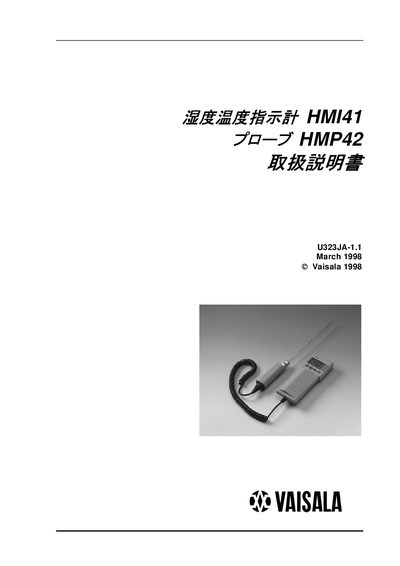
Vaisala HMP42 Operating Instructions
This manual provides step‑by‑step guidance for setting up, calibrating, and using the HMP42 humidity probe together with the HMI41 handheld instrument. It covers battery installation, probe connection, measurement start, data collection, and troubleshooting.
The document also includes specifications of the probe, instructions for configuring display units, power‑off settings, and warranty information for Vaisala products sold in Japan. This manual is written in Japanese.
Vaisala HMP42 specifications
| Humidity measurement range | 0 – 100 %RH |
|---|---|
| Temperature measurement range (HMP42) | -40 °C to +100 °C |
| Probe head diameter (HMP42) | 4 mm |
| Probe head length (HMP42) | 23.5 cm |
| Battery type | 4 × AA (LR6) |
All Vaisala HMP42 documents by type
Day-to-day operation, settings and troubleshooting. Start here if the product is already set up.
Questions answered in these manuals
How do I install the batteries in the HMI41 device?
Open the rear battery compartment and insert four AA (LR6) batteries as shown in the device housing.
What temperature range can the HMP42 probe measure?
The probe measures temperatures from –40 °C up to +100 °C.
What batteries does the HMI41 indicator use?
It uses four AA (LR6) batteries.
What is the humidity measurement range of the HMI41?
The indicator measures humidity from 0 %RH to 100 %RH.