
This manual introduces the features and usage methods of PTB210 series digital barometers.
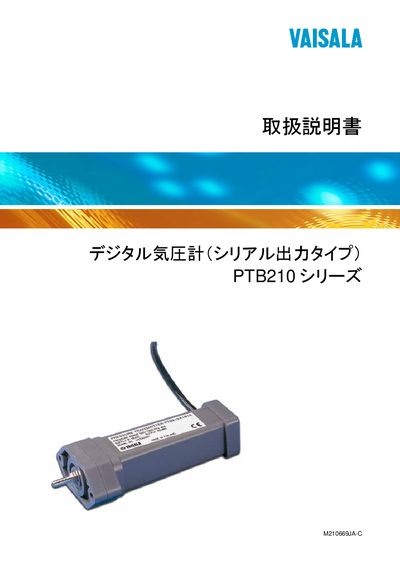
This manual provides end‑users with detailed information on the PTB210 digital pressure gauge, including safety precautions, product overview, installation steps, and configuration of communication parameters such as baud rate, RS‑232/RS‑485 interfaces, and pressure unit selection.
Technical information such as calibration data entry, reset procedures, and the 12‑month warranty terms are also described, along with tables showing the connector pinouts for the various serial interfaces. This manual is written in Japanese.
| Interface options | RS232C, RS485/RS232C, RS232C/TTL |
|---|---|
| Model number | M210669JA-C |
Use the .BAUD command in the serial interface to configure the baud rate.
Send the .RESET command to perform a device reset.
Vaisala provides a 12‑month warranty from the delivery date for manufacturing defects.
Use the .CALD command to set calibration data.