
Key facts
- Brand
- Vaisala
- Model
- PTB330
- Industry
- Industrial
- Documents
- 5
- Languages
- EN · JA · FR
- Last added
- 2023-10-17
Start here
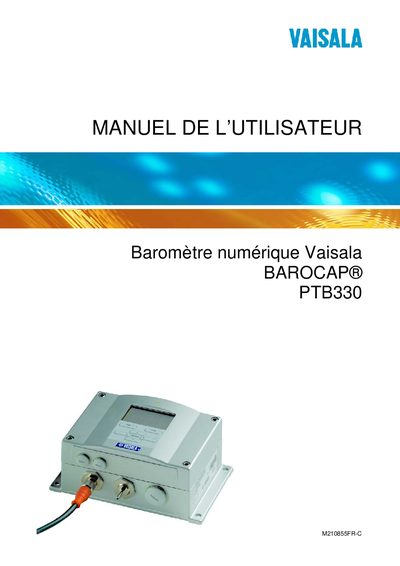
Vaisala PTB330 Barometer User Manual
The manual provides complete guidance for the Vaisala PTB330 barometer, including safety considerations, installation options (wall‑mount, DIN‑rail, pole), wiring details and optional accessories. It also describes the user interface, menu navigation, serial commands and configuration of analog and relay outputs.
Additional sections cover routine maintenance, calibration procedures, technical data such as pressure ranges and connector types, and contact information for technical support and service returns. Appendices contain calculation formulas, unit‑conversion tables and an emulation mode description. This manual is written in French.
Vaisala PTB330 specifications
| Barometric pressure range | 500 ... 1100 hPa |
|---|---|
| Barometric pressure range (alternative) | 50... 1100 hPa |
| Operating Environment | Not specified in text |
| Inputs and outputs | 127 |
All Vaisala PTB330 documents by type
Day-to-day operation, settings and troubleshooting. Start here if the product is already set up.
Questions answered in these manuals
What are the pressure measurement ranges?
The barometer measures pressure from 500 to 1100 hPa, or 50 to 1100 hPa depending on configuration.
What is the PA11A emulation mode?
It allows the PTB330 to output data in a format compatible with PA11A systems, including pressure and three-hour trend values.
How do I reset the PTB330?
Use the RESET command as described in the manual.
What communication protocol does the PTB330 use?
The device supports RS‑422/485 communication.
How can the PTB330 be mounted on a wall?
Use the wall‑mounting kit to attach the instrument to a wall.
How is pressure trend displayed on the PTB330?
The display shows the current pressure and a three‑hour trend indicator.