
Key facts
- Brand
- Vaisala
- Model
- GML20
- Documents
- 2
- Languages
- EN · ZH
- Last added
- 2012-04-06
Start here
Vaisala GML20T LonWorks Module Installation Guide
The GML20T LonWorks® interface module enables communication between a LonWorks® network and a GMW21 CO₂ transmitter, while also measuring temperature itself. This guide explains how to mount the module, connect network and power wires, and configure network variables.
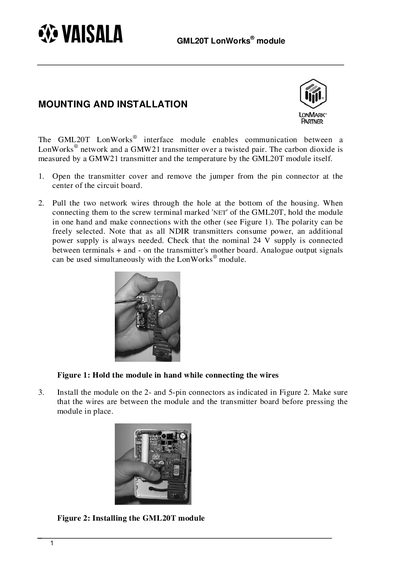
Installation steps include opening the transmitter cover, routing the network wires to the ‘NET’ terminal, and securing the module on the 2‑ and 5‑pin connectors. Technical data such as network type, temperature accuracy, range, and warm‑up time are also listed.
Vaisala GML20 specifications
| Network type | TP/FT-10 at 78 kbs |
|---|---|
| Temperature measurement accuracy | +0.5°C |
| Temperature measurement range | 0...445°C |
| Warm-up time | 30 min |
All Vaisala GML20 documents by type
Mounting, wiring and first power-up. Read it before the hardware goes in.
Questions answered in these manuals
What is the temperature measurement range of the GML20T module?
The module measures temperature from 0 °C up to 445 °C.
How long does the GML20T module need to warm up before accurate readings?
A warm‑up time of 30 minutes is required.
How do you connect the GML20 module to the transmitter?
Remove the jumper from the pin connector, pull the two output wires through the housing, and attach them to the NET terminal of the GML20 module, selecting polarity as needed.
What does the status LED indicate during normal operation?
A dark LED means the transmitter configuration and operation are correct; a lit LED signals a fault; a blinking LED shows the transmitter has not been configured.