
Key facts
- Brand
- Vaisala
- Model
- HMT310
- Industry
- Industrial
- Documents
- 3
- Languages
- JA · EN · DE
- Last added
- 2012-04-06
Start here
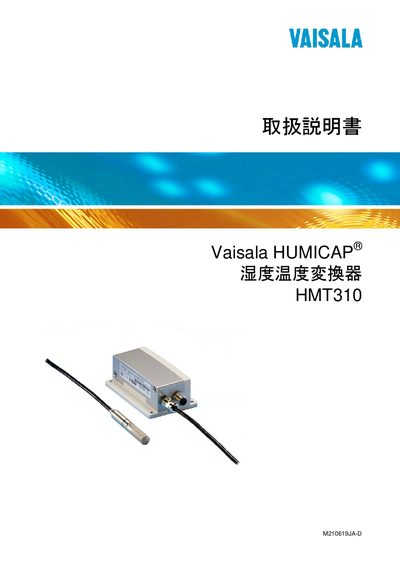
Vaisala HMT310 User Manual
This manual covers general information, safety guidelines, and regulatory compliance for the Vaisala HMT310 humidity‑temperature converter. It details probe options, output items, and installation procedures, including mounting plates, cable wiring, and connector types.
The document also explains serial communication parameters, command lists for data output, calibration and adjustment methods, and technical data such as dimensions, electrical and mechanical specifications. Appendices provide spare parts lists and additional mounting kit information. This manual is written in Japanese.
All Vaisala HMT310 documents by type
Day-to-day operation, settings and troubleshooting. Start here if the product is already set up.
Questions answered in these manuals
How do you set the serial communication parameters?
Enter the parameters using the serial interface commands on the device.
How can the converter be reset?
Send the RESET command to reset the converter.
How can I set the transmitter address in POLL‑Mode?
Use the ADDR command to set the transmitter address for use in POLL‑Mode.
How do I reset the transmitter?
Issue the RESET command to reset the transmitter.
How do I start continuous output?
Send the command “R” to start continuous output.
From: Vaisala HMT310 Temperature and Humidity Transmitter User Manual
How do I stop continuous output?
Send the command “S$” to stop continuous output.
From: Vaisala HMT310 Temperature and Humidity Transmitter User Manual