
Key facts
- Brand
- Vaisala
- Model
- MM70
- Industry
- Industrial
- Documents
- 4
- Languages
- JA · EN · DE
- Last added
- 2012-04-06
Start here
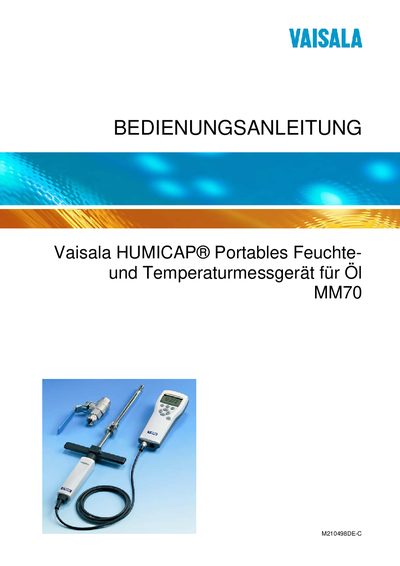
Vaisala MM70 Portable Humidity and Temperature Meter User Manual
This manual covers general information, safety precautions, and detailed instructions for installing, mounting, and operating the Vaisala MM70 portable humidity and temperature meter. It includes guidance on battery handling, power‑on procedures, menu navigation, and setting adjustments such as language, units, and alarm thresholds.
Further sections describe calibration and adjustment methods, routine maintenance tasks like filter and sensor replacement, and technical data including measurement ranges, sensor types, and available accessories. Legal notices, recycling information, and contact details for Vaisala service centers are also provided. This manual is written in German.
Vaisala MM70 specifications
| Overall width | 190 mm (7.48 in) |
|---|---|
| Overall height | 170 mm (6.69 in) |
| Overall depth | 13.5 mm (0.53 in) |
Source: Vaisala MM70 Handheld Oil Moisture Meter Operating Instructions
All Vaisala MM70 documents by type
Day-to-day operation, settings and troubleshooting. Start here if the product is already set up.
Questions answered in these manuals
How do I set the date and time on the MM70?
Use the “Date and Time Setting” menu to configure the device’s clock and calendar.
From: Vaisala MM70 Handheld Oil Moisture Meter Operating Instructions
What preparation is required before calibrating the moisture converter?
Follow the “Calibration preparation” steps outlined in the calibration chapter before adjusting the converter.
From: Vaisala MM70 Handheld Oil Moisture Meter Operating Instructions
How should the MM70 be grounded to avoid electric shock?
Ground the product and regularly check the grounding of the installation to minimize the risk of electric shock.
From: Vaisala MM70 Portable Humidity and Temperature Meter User Manual
How can the device be reset to factory settings?
Select the option to restore factory defaults in the device menu.
From: Vaisala MM70 Portable Humidity and Temperature Meter User Manual