
Key facts
- Brand
- Vaisala
- Model
- HMP155
- Industry
- Industrial
- Documents
- 5
- Languages
- JA · EN · FR
- Last added
- 2012-04-06
Start here
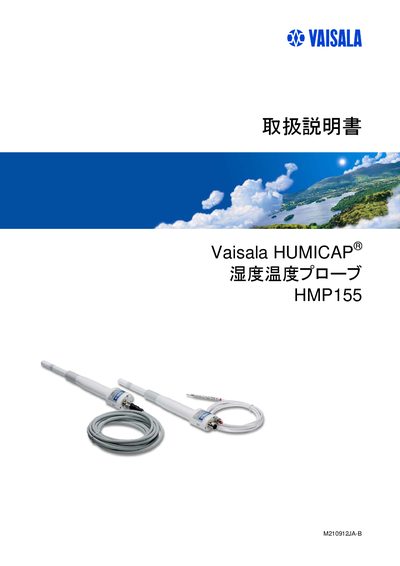
Vaisala HMP155 User Manual
This manual provides all necessary information for installing, operating, and maintaining the Vaisala HMP155 humidity‑temperature probe. It includes safety notes, product overview, wiring details, and command reference for serial and USB interfaces.
The document also covers calibration procedures, optional temperature probes, chemical purge functions, and the process for repair or calibration service requests. This manual is written in Japanese.
All Vaisala HMP155 documents by type
Day-to-day operation, settings and troubleshooting. Start here if the product is already set up.
Questions answered in these manuals
How do I configure the serial communication settings?
Use the SERI command with the desired baud rate, parity and data bits, e.g., SERI [BAUD][PARITY][DATA].
What is the procedure for repair or calibration service?
Complete the repair and calibration request form and send the unit to the Vaisala service centre as described in the manual.
How do I request a measurement via the serial line?
Send the command "SEND [ADDR]" over the RS‑485 interface.
From: Vaisala HMP155 Humidity and Temperature Probe User Manual
How can I change the measurement units on the probe?
Use the command "UNIT [M/N]" to select metric or imperial units.
From: Vaisala HMP155 Humidity and Temperature Probe User Manual