
This manual introduces the use of HMI41 and HMP42 products, including product features, usage preparation, measurement methods, etc.
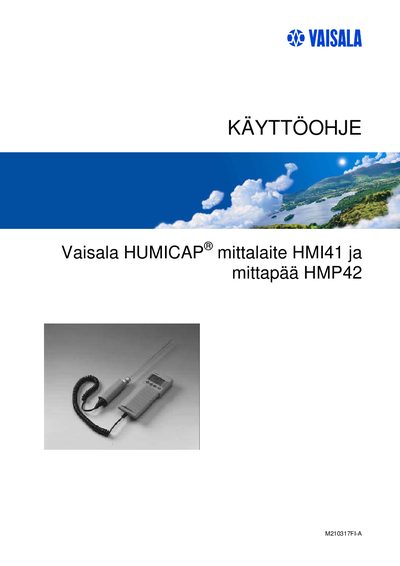
This manual provides instructions for using the Vaisala HMP42 humidity probe together with the HMI41 handheld device. It includes preparation steps such as battery installation, connecting the probe, and setting up measurement parameters.
The guide also covers calibration procedures, data logging options, troubleshooting tips, and technical specifications of the probe, including its measurement ranges and physical dimensions.
| Probe length | 23.5 cm |
|---|---|
| Battery type | 4 × AA (LR6) |
Open the rear battery compartment and insert four AA (LR6) batteries as shown in the device housing.
The probe measures temperatures from –40 °C up to +100 °C.