
Key facts
- Brand
- SONY
- Model
- NW-WS623
- Category
- MP3 Player
- Documents
- 3
- Languages
- ZH · EN
- Last added
- 2026-10-17
Start here
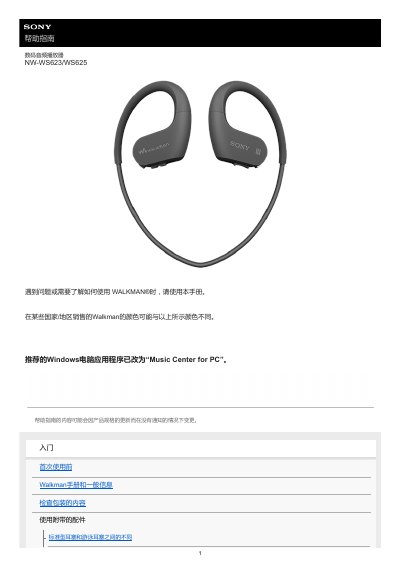
Sony NW-WS623/WS625 Walkman User Guide
This manual serves as a help guide for the Sony Walkman NW-WS623/WS625 digital audio player. It provides instructions on initial setup, including checking package contents and charging the battery before first use. The guide details basic operations such as volume control, music playback modes (Normal, Repeat, Shuffle), and how to switch between standard earbuds and swimming earbuds. This manual is written in Chinese.
Read onlineAll Sony NW-WS623 documents by type
Day-to-day operation, settings and troubleshooting. Start here if the product is already set up.
Questions answered in these manuals
What is the difference between standard earbuds and swimming earbuds?
Swimming earbuds prevent water from entering the headphones, allowing comfortable music listening while swimming.
How do I clean the Walkman after swimming?
Rinse with fresh water, shake gently for about 20 times, soak in a basin of fresh water for about 30 minutes, and dry thoroughly.
How do I pair my Walkman with a smartphone?
Hold down the power button for 3 seconds to turn on, then hold the AMB/ button for 7 seconds until the OPR lamp flashes blue and red. Select the device on your smartphone's Bluetooth settings.
What is the passkey for Bluetooth connection?
The passkey is 0000.
How often should I charge the battery to prevent deterioration?
Charge the battery at least once every six months.
What is the operating temperature range of the Walkman?
The operating temperature is between -5 °C (23 °F) and +45 °C (113 °F).