
Key facts
- Brand
- SONY
- Model
- HT-A9
- Documents
- 2
- Languages
- EN
- Last added
- 2023-10-30
Start here
Sony HT-A9 Home Theatre System Startup Guide
Quick Start Guide 2 pages · 759 KB · EN
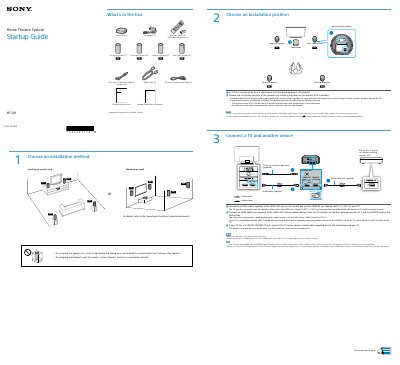
This document serves as a Startup Guide for the Sony HT-A9 Home Theatre System. It details the contents of the box, including the control box, speakers, and cables. The guide explains how to choose an installation method (shelf or wall) and position the four speakers effectively for surround sound.
Read onlineAll Sony HT-A9 documents by type
Other 1
Quick Start Guide 1
The shortest path to a working setup, usually only a few pages.
Questions answered in these manuals
How do I connect the HT-A9 to my TV?
Connect the HDMI cable (supplied) to the HDMI OUT jack on the control box and the HDMI IN jack labeled “eARC” or “ARC” on your TV.
What should I do if [MUTING] appears on the control box display?
Turn off all devices, then turn on the TV first and the speaker system after.
What devices can be connected to the HT-A9 speaker system via HDMI?
Blu-ray Disc™ player, set-top box, gaming console, etc.
What HDMI cable is included with the HT-A9 system?
An HDMI cable (supplied) for connecting to the TV.