
This is the user guide for the Sony NW-WS623 and NW-WS625 waterproof digital audio players, covering setup, operation, Bluetooth usage, and maintenance.
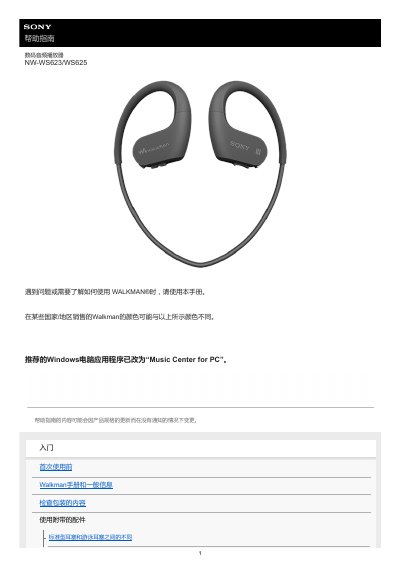
This manual serves as a help guide for the Sony Walkman NW-WS623/WS625 digital audio player. It provides instructions on initial setup, including checking package contents and charging the battery before first use. The guide details basic operations such as volume control, music playback modes (Normal, Repeat, Shuffle), and how to switch between standard earbuds and swimming earbuds. This manual is written in Chinese.
| Battery Charge Time (Initial) | Approx. 10 minutes to start working |
|---|---|
| Playback Modes | Normal Play, Repeat Play, Shuffle Play, Shuffle All |
Swimming earbuds prevent water from entering the headphones, allowing comfortable music listening while swimming.
Rinse with fresh water, shake gently for about 20 times, soak in a basin of fresh water for about 30 minutes, and dry thoroughly.
Press the button repeatedly until you hear a voice prompt; modes cycle through Normal, Repeat, Shuffle Play, and Shuffle All.