
Key facts
- Brand
- SONY
- Model
- DPT-RP1
- Documents
- 2
- Languages
- ZH · EN
- Last added
- 2026-10-16
Start here
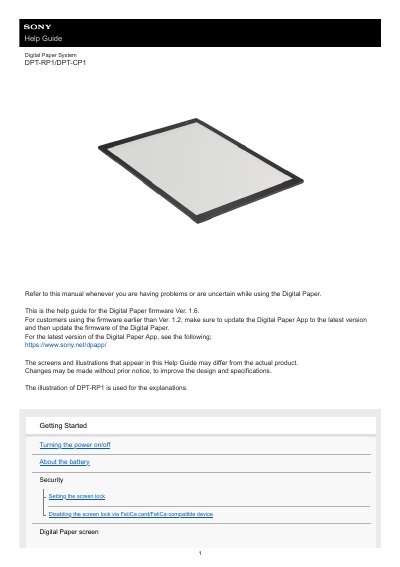
Sony Digital Paper DPT-RP1/DPT-CP1 User Manual
This manual provides step-by-step instructions for using the Sony Digital Paper DPT-RP1/DPT-CP1, including turning power on/off, managing battery life, connecting via Wi-Fi or USB, transferring documents, and using annotation tools. It also covers troubleshooting common issues like screen lock, charging problems, and connectivity errors.
The guide includes detailed specifications for both models, supported file types (PDF 1.7), and system requirements for the Digital Paper App on Windows and macOS. It explains how to calibrate the pen, create notes, and manage documents using the app or directly on the device.
Sony DPT-RP1 specifications
| Dimensions (w/h/d) | DPT-RP1: 224 mm x 302.6 mm x 5.9 mm; DPT-CP1: 174.2 mm x 243.5 mm x 5.9 mm |
|---|---|
| Mass (including battery) | DPT-RP1: 349 g (12.3 oz); DPT-CP1: 240 g (8.5 oz) |
| Battery | Built-in rechargeable battery |
| USB-based charging time | Approx. 3 hours |
| Battery life (continuous use) | Approx. 1 month |
| Operating/charging temperature | 5 °C to 35 °C (41 °F to 95 °F) |
| Supported File Types | PDF (.pdf) compliant with PDF 1.7 specifications |
All Sony DPT-RP1 documents by type
Day-to-day operation, settings and troubleshooting. Start here if the product is already set up.
Questions answered in these manuals
How do I install third-party apps?
Connect the device to a computer, copy the APP to USB storage, and then select Internal Storage -> USB Storage. File Transfer to install the app.
Can I transfer PDF documents via USB?
No, if using the system's built-in PDF reader, you must use the computer client to transfer PDF documents; copying via USB is not supported.
How do I turn on the Digital Paper?
Press the power button. The charge indicator will blink orange until startup is complete.
What file types can the Digital Paper display?
It supports PDF (.pdf) files compliant with PDF 1.7 specifications, including forms made on Adobe Acrobat.