
Key facts
- Brand
- SONY
- Model
- TRV480
- Category
- Camcorders
- Documents
- 2
- Languages
- ZH · EN
- Last added
- 2026-09-30
Start here
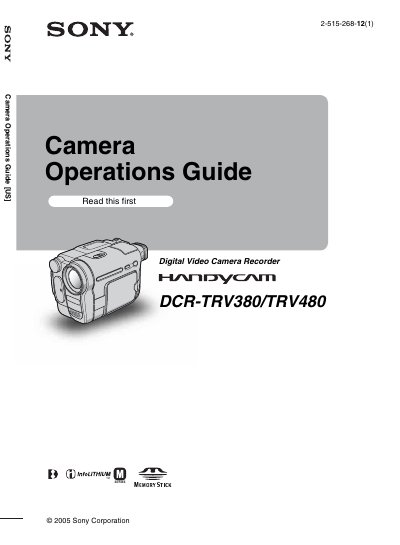
Sony DCR-TRV380/TRV480 Digital Video Camera Recorder Operation Guide
The Sony DCR-TRV380/TRV480 Operation Guide explains how to set up and use the digital video camera recorder. It covers supplied items, battery charging, power, LCD panel and viewfinder adjustment, date and time, cassette and Memory Stick insertion, and screen language.
The guide then describes movie and still-image recording, playback and search functions, menu settings, dubbing and editing with a VCR or TV, and using the camcorder with a computer. It also includes notes on cassettes, recording, the LCD panel and lens, and connecting other devices.
Sony TRV480 specifications
| Total pixel count | ≈ 540,000 pixels |
|---|---|
| Effective still image pixels | ≈ 350,000 pixels |
| Lens type | Motorized zoom lens |
| Filter diameter | 37 mm |
| Focal length range | 2.5 mm – 50 mm |
| Minimum illumination | 4 lx (F 1.6) |
| Video signal format | PAL |
| Audio signal level | 327 mV |
| USB connector | Mini‑B type |
All Sony TRV480 documents by type
Day-to-day operation, settings and troubleshooting. Start here if the product is already set up.
Questions answered in these manuals
How do I start recording?
Press the REC START/STOP button to begin recording.
How do I set the date and time?
Select the menu option and follow step 5 to set the date and time.
What should I read before operating the unit?
Read this manual thoroughly and retain it for future reference.
From: Sony DCR-TRV380/TRV480 Digital Video Camera Recorder Operation Guide
What type of TV do I need to view recordings?
You need an NTSC system-based TV.
From: Sony DCR-TRV380/TRV480 Digital Video Camera Recorder Operation Guide