
User manual for Sony NW-WS623 and NW-WS625 Walkman devices covering operation, Bluetooth pairing, battery care, and safety instructions.
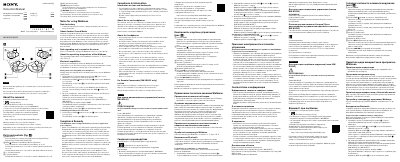
This manual provides instructions for the Sony NW-WS623 and NW-WS625 Walkman devices. It covers basic operations such as playing music, controlling volume, and using the power button. The document also details how to pair the device with a smartphone via Bluetooth to stream music or answer calls.
| Operating temperature | -5 °C (23 °F) and +45 °C (113 °F) |
|---|---|
| Rated current consumption | 800 mA |
Hold down the power button for 3 seconds to turn on, then hold the AMB/ button for 7 seconds until the OPR lamp flashes blue and red. Select the device on your smartphone's Bluetooth settings.
The passkey is 0000.
To prevent battery deterioration, charge the battery at least once every six months.