
Key facts
- Brand
- SONY
- Model
- DSR-PD150
- Category
- Digital cameras
- Industry
- Electronics
- Documents
- 2
- Languages
- EN
- Last added
- 2012-05-03
Start here
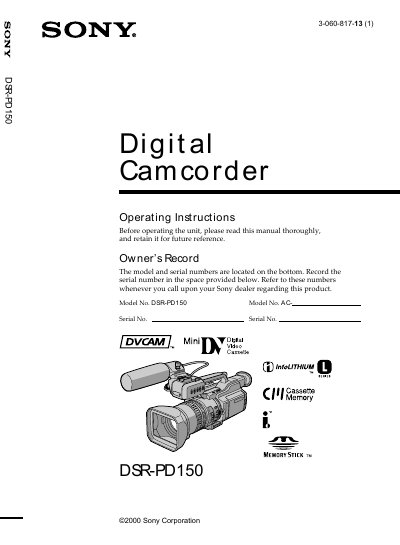
Sony DSR-PD150 Digital Camcorder Operating Instructions
This manual provides step‑by‑step instructions for using the Sony DSR‑PD150 digital camcorder, covering everything from installing accessories such as the supplied microphone and power adaptor to basic recording and playback functions. It also explains advanced features like manual focus, white‑balance adjustment, and Memory Stick operations.
Safety warnings, battery disposal guidelines, and troubleshooting tips are included to help users maintain reliable performance. A quick‑start guide and detailed index make it easy to find specific procedures, while the specifications section lists key hardware details.
SONY DSR-PD150 specifications
| Battery pack | NP‑F330 |
|---|---|
| Power adaptor | AC‑L10A / AC‑L10B / AC‑L10C |
| Memory media | Memory Stick |
Source: Sony DSR-PD150 Digital Camcorder Operating Instructions
All SONY DSR-PD150 documents by type
Day-to-day operation, settings and troubleshooting. Start here if the product is already set up.
Questions answered in these manuals
How do I install the supplied microphone?
Install the microphone with the model name ECM‑NV1 facing upward and connect its plug to the INPUT connector.
From: Sony DSR-PD150 Digital Camcorder Operating Instructions
What safety precaution should I take to avoid electric shock?
Do not remove the back cover; the unit contains no user‑serviceable parts and should be serviced only by qualified personnel.
From: Sony DSR-PD150 Digital Camcorder Operating Instructions