
This document describes how to install batteries and paper rolls.
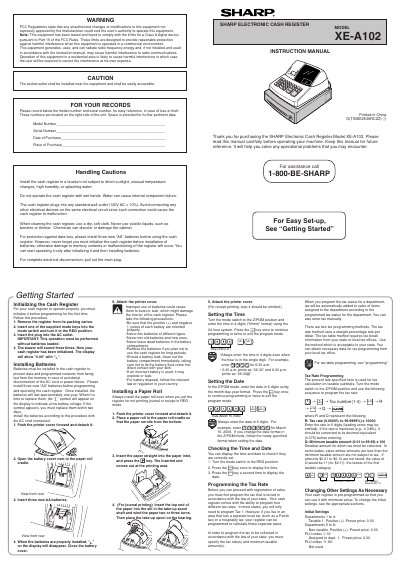
This manual covers the initial installation of the Sharp XE‑A102 cash register, including battery installation, paper‑roll loading, and connecting the unit to a standard 120 V AC outlet. It explains how to initialize the register, set the date and time, and configure basic settings such as departments, PLU codes, and tax rates.
Further sections describe transaction processing, including cash, credit‑card, and check sales, as well as advanced functions like tax‑rate programming, receipt formatting, and generating X and Z reports. Error handling, key functions, and maintenance tips are also provided to help users keep the register operating reliably.
| Power Supply | 120 V AC ± 10 % |
|---|---|
| Battery Type | AA |
| Battery Life | Approximately one year |
| Display | Front LED display |
Open the battery cover, insert three new AA batteries, and close the cover; the register will indicate when the batteries are properly installed.
Enter the date in six digits (MMDDYY) while in Z/PGM mode, for example 031506 for March 15 2006.
Turn the mode switch to Z/PGM, then use the sequence #/SBTL → Tax number → @/TM → R (tax rate) → @/TM → Q (minimum taxable amount).
It shows that the installed batteries are below the required voltage and should be replaced within two days.