
Key facts
Start here
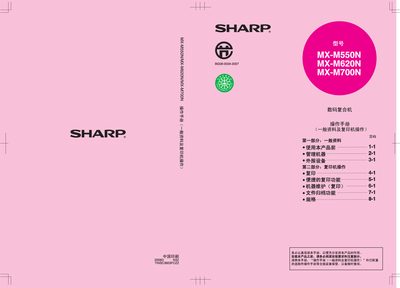
SHARP MX-M550N/M620N/M700Ndigital Complex Close Machine Manual
This manual provides comprehensive information for operating Sharp MX-M550N, M620N and M700N copiers. It covers safety guidelines, power‑connection requirements, installation constraints, and environmental considerations such as ozone emission and noise levels.
The document details paper‑tray loading procedures, specifications for optional high‑capacity trays, laser module parameters, routine maintenance, toner replacement, jam clearing, and file‑archiving functions. It also includes administrator settings, software installation guidance, and disposal instructions for batteries and hazardous components. This manual is written in Chinese.
Sharp M700N specifications
| Laser wavelength | 785 nm ± 10 nm |
|---|---|
| Laser output power (max) | 0.8 mW |
| High‑capacity paper tray (AR‑LC7) capacity | 3000 sheets (80 g/m²) |
| Machine dimensions (W×D×H) | 690 mm × 587 mm × 521.5 mm |
| Machine weight | ≈ 50 kg |
| Operating noise level | > 63 dB (LwA) |
Source: SHARP MX-M550N/M620N/M700Ndigital Complex Close Machine Manual
All Sharp M700N documents by type
Day-to-day operation, settings and troubleshooting. Start here if the product is already set up.
Questions answered in these manuals
What is the paper capacity of the optional high‑capacity tray?
The optional AR‑LC7 tray can hold up to 3000 sheets of 80 g/m² paper.
From: SHARP MX-M550N/M620N/M700Ndigital Complex Close Machine Manual
Can I touch the photoconductor drum?
No, the drum must not be touched because scratches or stains will affect print quality.
From: SHARP MX-M550N/M620N/M700Ndigital Complex Close Machine Manual