
Key facts
- Brand
- Samsung
- Model
- GT-I9003
- Category
- Smartphones
- Industry
- Electronics
- Documents
- 2
- Languages
- EN · ZH
- Last added
- 2012-03-28
Start here
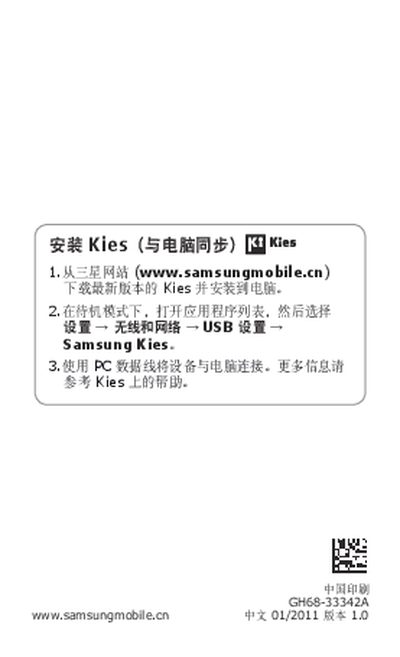
Samsung GT-I9003 User Manual
This manual guides users through setting up the Samsung GT-I9003, including installing Samsung Kies, connecting the device to a PC, and accessing the latest software updates. It also explains the phone's icons, safety precautions, and legal notices.
Additional sections cover SAR compliance, screen specifications, and warranty information, helping users understand the device's technical limits and how to obtain support. This manual is written in Chinese.
All Samsung GT-I9003 documents by type
Day-to-day operation, settings and troubleshooting. Start here if the product is already set up.
Questions answered in these manuals
How can I install Samsung Kies on my PC?
Download the latest version of Kies from the Samsung website, then install it on your PC and connect the device via a USB cable.
Where can I find the latest version of the user manual?
The latest version of the manual can be downloaded from www.samsungmobile.com.
How do I sync the GT-I9003 with my computer?
Download the latest version of Samsung Kies from the Samsung website, install it on your PC, and connect the phone using a USB data cable.
Where can I find the latest version of the manual?
Visit www.samsungmobile.cn to download the most recent version of the GT-I9003 user manual.