
This Samsung mobile phone GT-I9003 user manual introduces the functions and characteristics of the phone, and provides usage safety precautions and warnings.
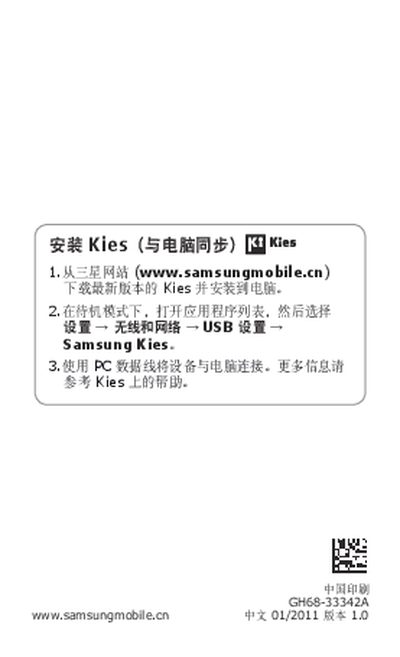
This manual guides users through setting up the Samsung GT-I9003, including installing Samsung Kies, connecting the device to a PC, and accessing the latest software updates. It also explains the phone's icons, safety precautions, and legal notices.
Additional sections cover SAR compliance, screen specifications, and warranty information, helping users understand the device's technical limits and how to obtain support. This manual is written in Chinese.
| Screen size | 800x480 |
|---|---|
| SAR (Specific Absorption Rate) | 0.296 W/kg |
Download the latest version of Samsung Kies from the Samsung website, install it on your PC, and connect the phone using a USB data cable.
Visit www.samsungmobile.cn to download the most recent version of the GT-I9003 user manual.
The SAR maximum value is 0.296 W/kg, meeting national standards.