
Panasonic TC-L42U12 42-inch LCD HDTV Operating Instructions

This is a user manual for Panasonic TC-L42U12 42-inch 1080p LCD HDTV.
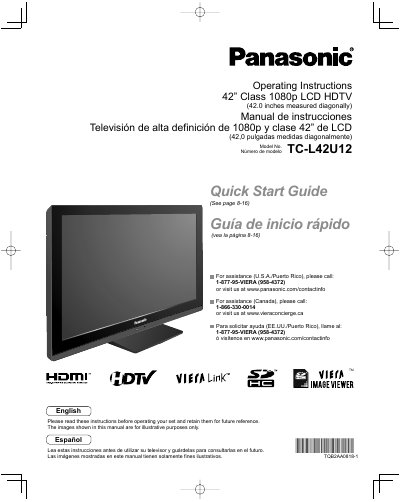

Panasonic TC-L42U12 42-inch LCD HDTV Operating Instructions - cover page
Brand
Panasonic
Category
Television
Document type
User Manual
Language
English
Pages
58
File format
PDF
File size
2.2 MB
Published
03 August, 2012
Updated
01 October, 2023
MD5 checksum
B337FC8D5F3F2698629B821A5830E83F

About this manual

This manual provides operating instructions for the Panasonic TC-L42U12 42-inch Class 1080p LCD HDTV. It includes a Quick Start Guide for initial setup and basic features like watching TV, using VIERA TOOLS, and viewing content from SD cards or PCs. The document also covers advanced features such as menu functions, VIERA Link™ and HDAVI Control™, channel editing, closed captions, and timer usage.

What's inside

  • Safety Precautions
  • Quick Start Guide
  • Accessories/Optional Accessory
  • Basic Connection
  • Identifying Controls
  • First Time Setup
  • Watching TV
  • Using VIERA TOOLS
  • Viewing from SD Card
  • Displaying PC Screen on TV

Frequently asked questions

What is the diagonal screen size of this TV?

The screen measures 42.0 inches diagonally.

How much space must be left around the ventilation openings?

There should be at least 10 cm of space from these openings.

Download PDF (2.2 MB)

More Panasonic Manuals


View all Panasonic manuals →