
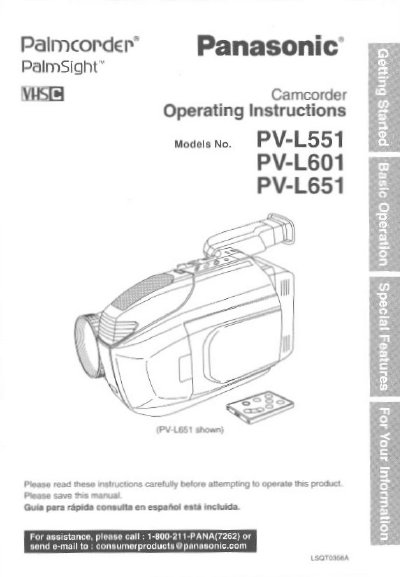
This manual provides operating instructions for the Panasonic PV-L551, PV-L601, and PV-L651 Compact VHS Camcorders. The device is designed to record and play back in Standard Play (SP) and Super Long Play (SLP) modes and is compatible with standard VHS equipment using the supplied VHS PlayPak. Illustrations in the manual depict the PV-L651 model, which includes an 8-function remote control, while features may vary for other models.
| Recording Modes | Standard Play (SP) and Super Long Play (SLP) |
|---|---|
| LCD Monitor Size (PV-L551) | 63.5 mm (2.5 inch) |
| LCD Monitor Size (PV-L601) | 76.2 mm (3.0 inch) |
| LCD Monitor Size (PV-L651) | 101.6 mm (4.0 inch) |
The camcorder is designed to record and play back in Standard Play (SP) and Super Long Play (SLP) modes.
Yes, you can play a Compact VHS Camcorder recording on your VHS VCR using the VHS PlayPak supplied with the unit.