
Key facts
- Brand
- Panasonic
- Model
- KX-MB2010CX
- Category
- All-in-one printer
- Industry
- Electronics
- Documents
- 2
- Languages
- EN
- Last added
- 2023-03-06
Start here
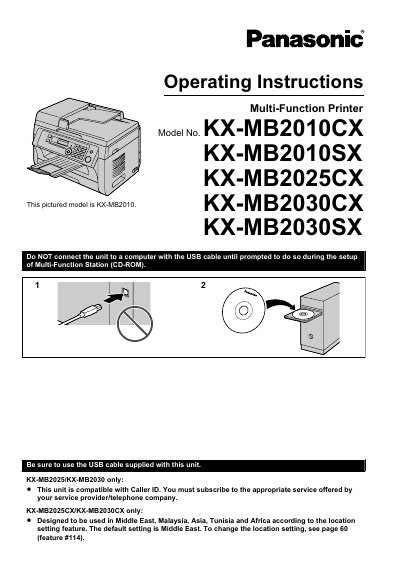
Panasonic KX-MB2010CX/KX-MB2010SX/KX-MB2025CX/KX-MB2030CX/KX-MB2030SX Multi-Function Printer Operating Instructions
This manual provides complete operating instructions for the Panasonic KX-MB2010CX, KX-MB2010SX, KX-MB2025CX, KX-MB2030CX, and KX-MB2030SX multi-function printers. It covers installation of toner and drum cartridges, paper loading, connection setup, and initial programming such as date, time, and network configuration.
The guide details printer, scanner, and copier functions, along with fax features for the KX-MB2025 and KX-MB2030 models. It also explains programmable features, troubleshooting, paper jam clearance, cleaning procedures, and includes specifications and an index for reference.
Panasonic KX-MB2010CX specifications
| Print Speed | Up to 24 ppm |
|---|---|
| Print Resolution | 600 × 600 dpi |
| Optical Scan Resolution | Up to 600 × 1200 dpi |
| Interpolated Scan Resolution | Up to 9600 × 9800 dpi |
| Paper Capacity | 250 sheets + 1 sheet manual tray |
| Automatic Document Feeder Capacity | 20 sheets |
| Memory Size | 32 MB |
| Network Interface | 10/100 Base‑TX Ethernet |
| USB Interface | Hi‑Speed USB 2.0 |
| Dimensions (W × D × H) | 420 mm × 432 mm × 305 mm |
| Weight | Approx. 12 kg |
Source: Panasonic KX-MB2030CX/KX-MB2025CX/KX-MB2010CX Manual
All Panasonic KX-MB2010CX documents by type
Day-to-day operation, settings and troubleshooting. Start here if the product is already set up.
Questions answered in these manuals
What is the default location setting for the KX-MB2025CX and KX-MB2030CX models?
The default location setting is Middle East.
How long should the power remain on after printing to extend the drum cartridge life?
Leave the power turned on for a minimum of 30 minutes after printing.
What is the print speed of the KX-MB2000 series?
The printer can print up to 24 pages per minute.
Does the printer have an automatic document feeder?
Yes, it includes an automatic document feeder that holds up to 20 sheets.