
Key facts
Start here
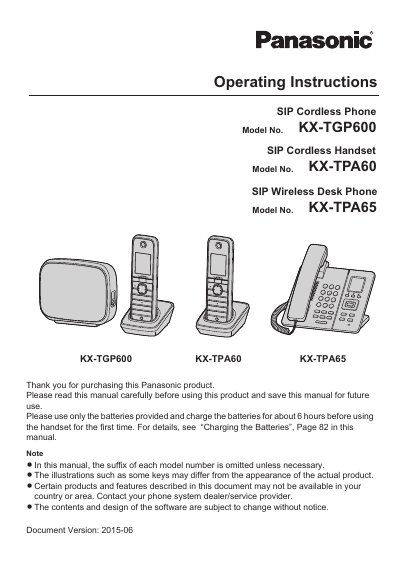
Panasonic KX-TGP600 KX-TPA60 KX-TPA65 SIP Cordless Phone Operating Instructions
These operating instructions cover the Panasonic KX-TGP600 SIP cordless phone base unit, the KX-TPA60 SIP cordless handset and the KX-TPA65 SIP wireless desk phone. The manual addresses installation, calls, phonebook use, customization and setup.
The document lists a Quick Start Guide and an Administrator Guide as related documentation; the Administrator Guide covers KX-TGP600 configuration and management. It notes that a serial number is recorded on each unit and provides a place to record model, serial and dealer information.
Panasonic KX-TPA60 specifications
| Radio type | DECT Portable station |
|---|---|
| Frequency band | 1880 MHz to 1900 MHz |
| Initial battery charge time | about 6 hours |
Source: Panasonic KX-TGP600 KX-TPA60 KX-TPA65 SIP Cordless Phone Operating Instructions
All Panasonic KX-TPA60 documents by type
Day-to-day operation, settings and troubleshooting. Start here if the product is already set up.
Questions answered in these manuals
What should I do before using the handset for the first time?
Use only the batteries provided and charge them for about 6 hours before first use.
From: Panasonic KX-TGP600 KX-TPA60 KX-TPA65 SIP Cordless Phone Operating Instructions
Where is the serial number for the KX-TGP600 base unit?
The serial number is on the back of the base unit.
From: Panasonic KX-TGP600 KX-TPA60 KX-TPA65 SIP Cordless Phone Operating Instructions
How do you answer an incoming call on the handset?
Press the green key representing the telephone (TALK) on the handset to answer a call.
How do you mute a call?
Press the MUTE button or the programmable MUTE key during the call.