
This manual provides instructions on the basic operation of the KX-MB3010/KX-MB3020 Multi-Function Station.
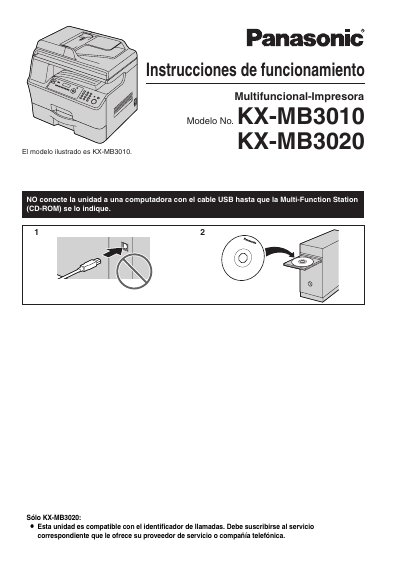
This document is the Spanish user manual for the Panasonic KX-MB3010 and KX-MB3020 multifunction printers. It provides instructions on installation, including the setup of the toner and drum cartridges, as well as connecting the device to a computer or network. The manual covers basic operations such as printing, scanning, copying, and faxing (for the KX-MB3020 model). This manual is written in Spanish.
The default configuration is English, though users can choose between English or Spanish.
The unit should stay ON for a minimum of 30 minutes immediately after printing.
You must not expose the drum cartridge to light for more than 3 minutes.