
Key facts
- Brand
- Olympus
- Model
- X-960
- Category
- Digital cameras
- Industry
- Electronics
- Documents
- 3
- Languages
- EN · ZH
- Last added
- 2012-06-08
Start here
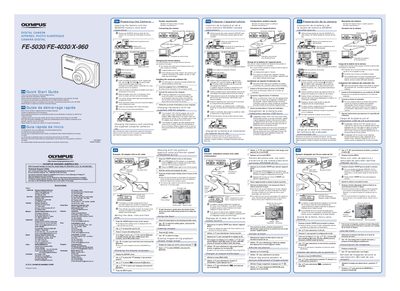
Olympus FE-5030/FE-4030/X-960 Digital Camera Quick Start Guide
This document is a quick start guide for the Olympus FE-5030, FE-4030, and X-960 digital cameras. It covers essential initial steps such as inserting the battery and SD/SDHC memory card, charging the battery via USB or an AC adapter, and installing the supplied computer software on Windows XP, Vista, or 7 systems.
The guide includes specific instructions for handling the battery lock knob and write-protect switch. It notes that illustrations may refer to the FE-4020 model unless otherwise specified and directs users to the CD-ROM Instruction Manual for detailed feature information and warranty provisions.
All Olympus X-960 documents by type
Day-to-day operation, settings and troubleshooting. Start here if the product is already set up.
The shortest path to a working setup, usually only a few pages.
Questions answered in these manuals
What operating systems are supported for software installation?
The camera supports Windows XP (Service Pack 2 or later), Windows Vista, and Windows 7.
From: Olympus FE-5030/FE-4030/X-960 Digital Camera Quick Start Guide
How long does it take to charge the battery?
Charging takes up to 3 hours when connected to a computer.
From: Olympus FE-5030/FE-4030/X-960 Digital Camera Quick Start Guide
How do I open the camera menu?
Press MENU to display the function menu.
What direct printing standard does the manual describe?
It describes direct printing with PictBridge.