
This is a quick start guide for the Olympus digital camera FE-4030, introduces some basic functions of the camera
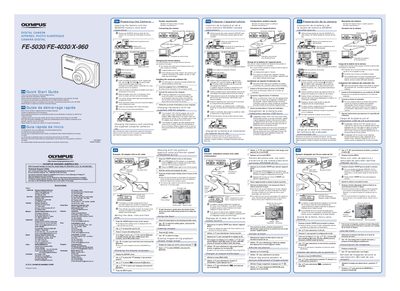
This document is a quick start guide for the Olympus FE-5030, FE-4030, and X-960 digital cameras. It covers essential initial steps such as inserting the battery and SD/SDHC memory card, charging the battery via USB or an AC adapter, and installing the supplied computer software on Windows XP, Vista, or 7 systems.
The guide includes specific instructions for handling the battery lock knob and write-protect switch. It notes that illustrations may refer to the FE-4020 model unless otherwise specified and directs users to the CD-ROM Instruction Manual for detailed feature information and warranty provisions.
The camera supports Windows XP (Service Pack 2 or later), Windows Vista, and Windows 7.
Charging takes up to 3 hours when connected to a computer.