
Key facts
- Brand
- Olympus
- Model
- X-795
- Category
- Digital cameras
- Industry
- Electronics
- Documents
- 4
- Languages
- FR · EN
- Last added
- 2012-06-08
Start here
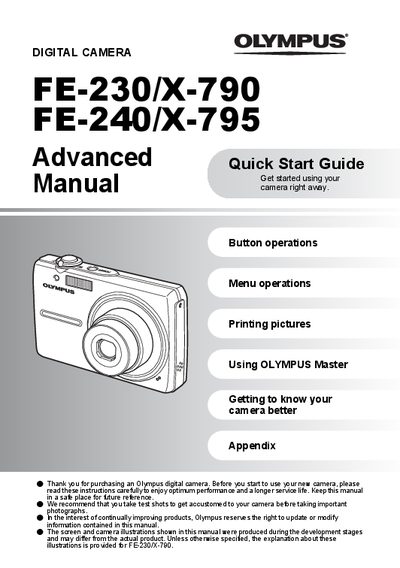
Olympus FE-230/X-790 and FE-240/X-795 Quick Start Guide
This Quick Start Guide introduces the Olympus FE-230/X-790 and FE-240/X-795 digital cameras. It walks new users through essential functions such as button operations, menu navigation, setting the date and time, and printing pictures.
The guide also provides practical information on battery preparation, charging, and handling of accessories like the strap, USB cable, and OLYMPUS Master software. Safety notes and troubleshooting tips are included to help users achieve optimal performance and longer service life.
Olympus X-795 specifications
| Charging time | Approx. 300 minutes |
|---|---|
| Scene modes (FE-240/X-795) | 10 |
| Scene modes (FE-230/X-790) | 13 |
All Olympus X-795 documents by type
Day-to-day operation, settings and troubleshooting. Start here if the product is already set up.
The shortest path to a working setup, usually only a few pages.
Questions answered in these manuals
What is included in the box?
The box contains a Lithium Ion Battery (LI-42B), Battery Charger, USB Cable, AV Cable, OLYMPUS Master CD-ROM, and Warranty Card.
From: Olympus FE-230/X-790/FE-240/X-795 Digital Camera Basic Manual
How long does it take to charge the battery?
The charging time is approximately 300 minutes.
From: Olympus FE-230/X-790/FE-240/X-795 Digital Camera Basic Manual
How can I set the date and time?
Press the appropriate buttons to select year, month, day, hour and minute, then confirm with OK.
How do I charge the battery?
Connect the battery charger to the AC wall outlet; charging takes about 300 minutes.