
This is a basic manual for a digital camera, which introduces the camera's usage methods, function settings, connection methods, etc.
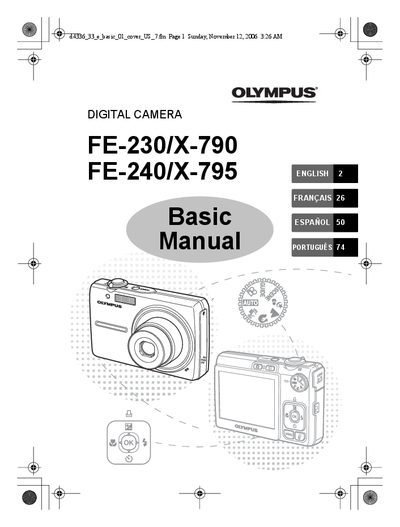
This manual guides users through the basic setup and everyday operation of the Olympus FE-230/X-790 and FE-240/X-795 digital cameras. It covers box contents, battery installation, charging, date‑time setting, menu navigation, shooting modes, and safety precautions.
Detailed sections explain how to turn the camera on, select shooting and scene modes, use flash and self‑timer functions, connect to a TV, print via PictBridge, and transfer images. The document also lists specifications such as battery type, charging time, and the number of scene modes available for each model.
| Charging time | Approx. 300 minutes |
|---|---|
| Scene modes (FE-240/X-795) | 10 |
| Scene modes (FE-230/X-790) | 13 |
Press the appropriate buttons to select year, month, day, hour and minute, then confirm with OK.
Connect the battery charger to the AC wall outlet; charging takes about 300 minutes.