
Olympus FE-180/X-745 Digital Camera Basic Manual

This document is the user manual for the OLYMPUS FE-180/X-745 digital camera
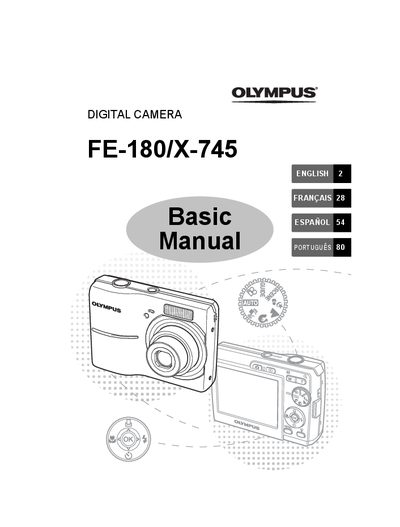

Olympus FE-180/X-745 Digital Camera Basic Manual - cover page
Brand
Olympus
Category
Digital cameras
Document type
User Manual
Language
English
Pages
108
File format
PDF
File size
8.9 MB
Published
08 June, 2012
Updated
30 September, 2023
Models
FE-180, X-745
MD5 checksum
5315B895F5354420C76E540DD88B1B8E

About this manual

This manual provides basic operating instructions for the Olympus FE-180 and X-745 digital cameras. It guides users through gathering box contents, attaching accessories like the strap, and preparing AA NiMH batteries using the provided charger.

The guide details how to turn on the camera in shooting mode, set the date and time, and configure language settings via the menu system. It explains various still picture shooting modes, scene modes, macro functionality, flash options, self-timer usage, and power save features.

What's inside

  • Gather these items
  • Attach the strap
  • Prepare the batteries
  • Turn the camera on
  • Set the date and time
  • Set the language
  • Shooting Mode Buttons
  • Scene Modes
  • Macro Mode
  • Flash Modes

Frequently asked questions

How long does it take to charge the batteries?

The charging time is approximately 230 minutes.

What happens if I press the POWER button once again after turning on the camera?

Pressing the POWER button once again turns off the camera.

Can I add other languages to my camera besides the ones in the manual?

Yes, you can add other languages using the provided OLYMPUS Master software.

Download PDF (8.9 MB)

More Olympus Manuals


View all Olympus manuals →