
Key facts
- Brand
- Olympus
- Model
- VN-2000
- Industry
- Electronics
- Documents
- 2
- Languages
- EN
- Last added
- 2012-07-03
Start here
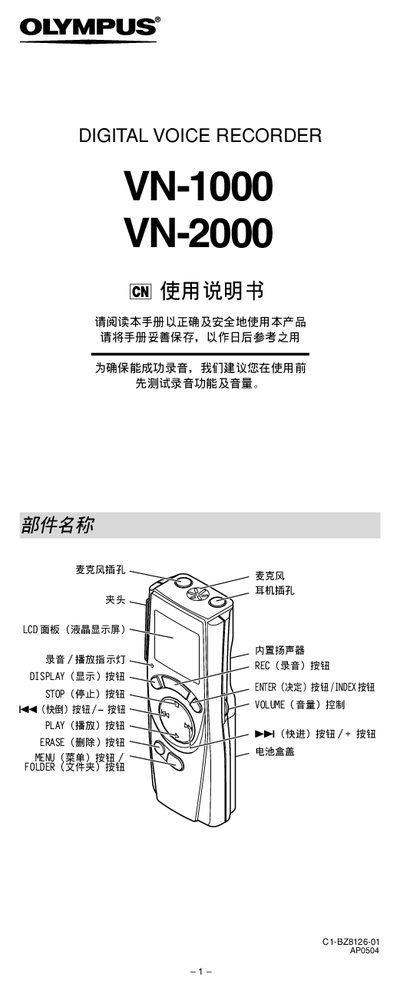
Olympus VN-1000 / VN-2000 User Manual
This manual explains how to install batteries, set the time and date, and use the HOLD lock switch for the Olympus VN-1000 and VN-2000 digital voice recorders. It also covers folder management, recording and playback controls, and how to delete or transfer files.
Additional sections describe menu settings, microphone sensitivity modes, alarm and timer functions, location markers, reset procedures, safety warnings, and the device’s technical specifications such as recording time, power source, and dimensions.
Olympus VN-2000 specifications
| Recording media | Built‑in flash memory |
|---|---|
| Power source | 2 AAA batteries or 2 Ni‑MH rechargeable batteries |
| Maximum output power | 120 mW |
| Speaker | 6.28 mm diameter built‑in speaker |
| Microphone | Unidirectional capacitive microphone |
| Dimensions (L×W×H) | 99 mm × 39 mm × 21.5 mm |
| Weight (including battery) | 66.5 g |
All Olympus VN-2000 documents by type
Day-to-day operation, settings and troubleshooting. Start here if the product is already set up.
Questions answered in these manuals
What type of batteries are required to operate the recorder?
The device requires two size-AAA alkaline batteries, though an optional Ni-MH rechargeable battery from Olympus can also be used.
From: Olympus VN-1000/VN-2000 Digital Voice Recorder Instructions
How long does the recorder stay in Standby mode before the display shuts off?
If the recorder is stopped or paused for 5 minutes or longer, it enters Standby mode and the display turns off.
From: Olympus VN-1000/VN-2000 Digital Voice Recorder Instructions
What does the HOLD switch do?
When set to LOCK, all operation buttons are disabled to prevent accidental use; move the switch back to UNLOCK before operating the recorder.