
This document introduces the instructions for using the Olympus Digital Voice Recorder
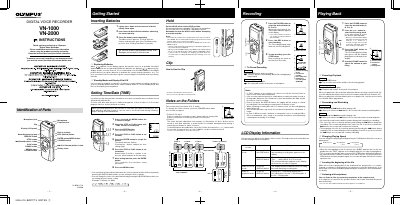
This document provides operating instructions for the Olympus VN-1000 and VN-2000 Digital Voice Recorders. It details how to insert batteries, set the time and date, and use the HOLD switch to prevent accidental operation.
The guide explains how to manage files using four folders (A, B, C, and S) for organizing recordings by category or schedule. It covers recording functions such as pausing, fast forwarding, and changing playback speed, as well as connecting earphones.
The device requires two size-AAA alkaline batteries, though an optional Ni-MH rechargeable battery from Olympus can also be used.
If the recorder is stopped or paused for 5 minutes or longer, it enters Standby mode and the display turns off.
Even if you press the DISPLAY button, the display will not change to show the current recording time if the remaining time is 5 minutes or less.