
The Olympus Stulus 810/U710 digital camera user manual provides instructions for buttons, menus, shooting modes, playback, printing and troubleshooting.
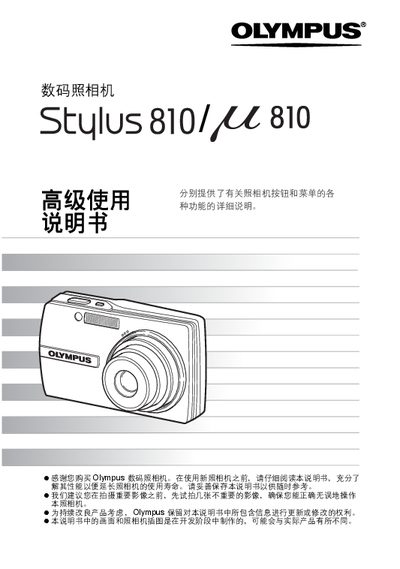
This manual explains the functions of all camera buttons and menu items, guiding users through basic operations such as powering the camera on and off, using the shutter button, selecting shooting or playback modes with the mode dial, and adjusting settings like ISO, white balance, and exposure. It also covers advanced features such as scene selection, red‑eye reduction, digital zoom, image stabilization, and creating panoramas or animations.
Additional sections describe how to format or back up the memory card, connect the camera to a computer with Olympus Master software, print images via PictBridge, and perform routine maintenance, battery care, and troubleshooting of common issues. This manual is written in Chinese.
Set the mode dial to K for shooting mode or to s for playback mode, then press the shutter button half‑press to lock focus.
Select the “格式化” option in the menu to format the memory card or inserted card.