
This document is a user manual for Olympus digital cameras. The document introduces the basic operations, shooting functions, advanced shooting functions, playback, settings, and more of the camera. The document reminds users to read the manual carefully before use to fully utilize the camera's performance and extend its lifespan.
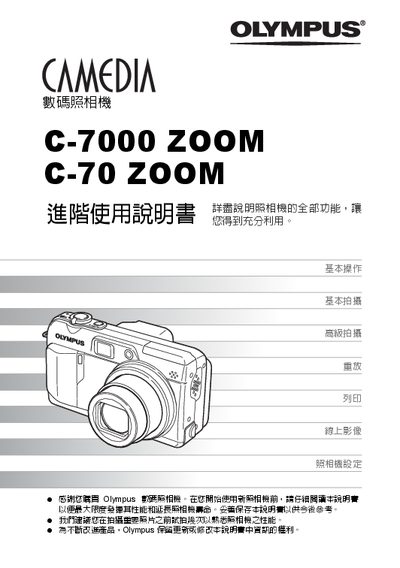
This manual guides users of the Olympus C-7000 ZOOM and C-70 ZOOM digital cameras through all functions, from basic operation to advanced shooting techniques. It includes sections on scene modes, manual exposure, flash correction, and image playback.
Additional chapters cover printing directly from the camera via PictBridge compatible printers, transferring images to a PC with Olympus Master software, and detailed settings for white balance, focus, and image processing. Appendices provide reference tables and service information. This manual is written in Chinese.
| Memory card type | XD-Picture Card |
|---|---|
| Pixel count | 26, 174 |
Install Olympus Master software on your PC and use it to download, edit, view, and print images from the camera.
The camera offers five scene modes plus manual, aperture‑priority, shutter‑priority, and other advanced shooting options.