
This is a user manual for a Olympus digital camera, which details the camera's basic operations and shooting techniques
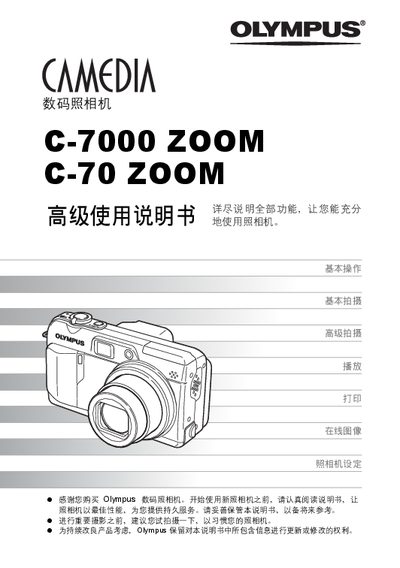
This manual explains how to use the Olympus C-7000 ZOOM C-70 ZOOM digital camera, from basic operation to advanced shooting techniques. It includes instructions for menu navigation, button functions, and scene‑mode selection.
Additional sections cover playback, image printing (including PictBridge), connecting the camera to a computer with Olympus Master software, and detailed settings such as language, ISO, and battery care. This manual is written in Chinese.
| Storage Media | xD‑Picture Card |
|---|---|
| Optical Zoom | Optical zoom |
| Digital Zoom | Digital zoom |
| ISO Sensitivity | ISO 感光度 |
Use a PictBridge‑compatible printer to print images directly from the camera.
Install Olympus Master software on the computer and use it to download, view, edit and print images from the camera.
Select the desired language from the “Language” menu (page 105).