
This is a user manual of Olympus digital camera C-700 Ultra Zoom, which introduces the features and characteristics of the camera, as well as how to use it.
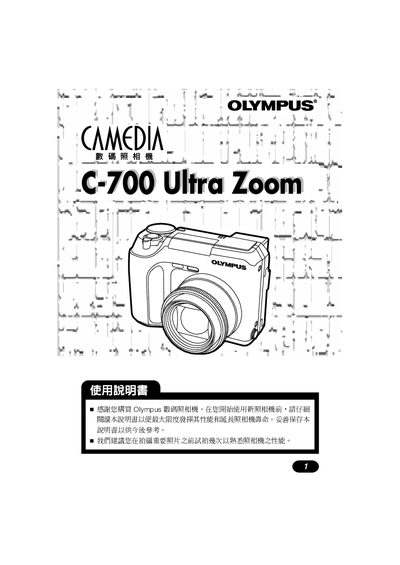
This manual provides detailed instructions for operating the Olympus C-700 Ultra Zoom digital camera, including setup, shooting modes, autofocus, flash settings, and playback. It also covers connectivity options, battery management, and maintenance. The guide is written in Japanese with technical specifications and troubleshooting tips for optimal performance.
The manual includes sections on automatic and manual shooting modes, zoom functions, flash usage, and advanced features like continuous shooting and self-timer. It also explains how to connect the camera to a computer via USB and manage images using Windows 98/98SE. Maintenance and troubleshooting are covered in the latter sections.
Set the date and time through the setup menu. (page 28)
The model name is C-700 Ultra Zoom.
It is located at 2 Corporate Center Drive, Melville, New York 11747-3157 U.S.A.
The telephone number is 631-844-5000.