
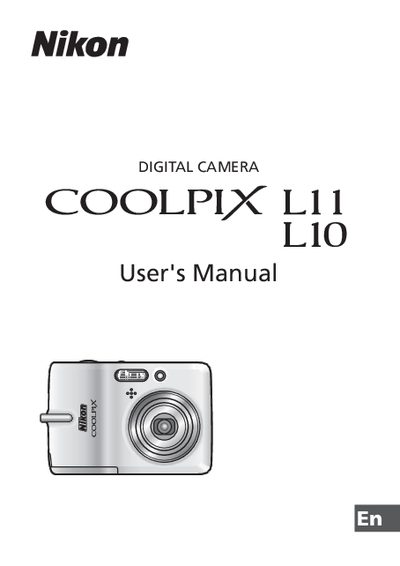
This is the Nikon digital camera user manual, which mainly introduces the camera's shooting, playback, connection, safety and other functions
This manual begins with safety precautions, warning symbols, and handling instructions for batteries, the AC adapter, and the flash. It also includes FCC and regional notices, as well as guidance on proper disposal and lead‑handling warnings.
The remainder of the guide covers camera basics: inserting batteries and SD cards, turning the camera on and off, selecting shooting modes, using the flash, self‑timer, macro and scene modes, playback functions, and connecting the camera to televisions, computers, or printers via USB. Additional sections describe menu navigation, volume control, zoom operation, and voice memo recording.
| Battery type | EN-MH1 NiMH rechargeable batteries |
|---|---|
| Battery charger model | MH-71 |
| Memory card type | SD card |
| Camera model | COOLPIX L11/L10 |
Turn off the camera, unplug the AC adapter, remove the batteries immediately, and take the equipment to a Nikon‑authorized service representative for inspection.
Reorient or relocate the antenna, increase the separation between the equipment and the receiver, or connect the equipment to a different circuit outlet.
Use the appropriate interface cable supplied by Nikon to connect the camera to the TV’s input, following the instructions in the "Connecting to Televisions" section.