
Nikon digital camera user manual, providing a comprehensive description of the product's various functions and usage methods
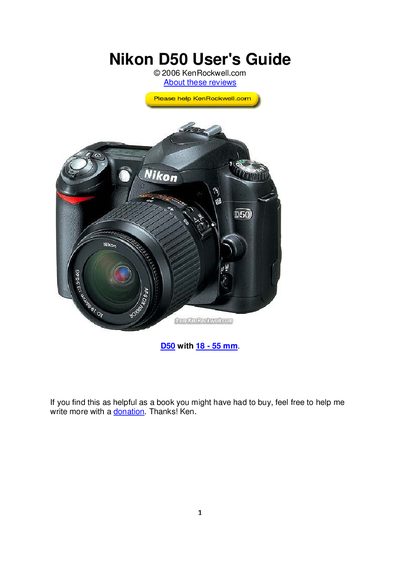
The guide introduces the Nikon D50, explaining how to set up the camera and use its basic functions. It covers exposure modes, ISO settings, white balance, and image quality options, helping both beginners and advanced users.
The manual then details every button and knob on the front, top panel, and back of the camera, including flash sync modes, focus controls, and menu navigation. Additional sections explain playback, custom settings, and folder management on the memory card.
| Image size (Large JPEG) | 3008 × 2000 pixels |
|---|---|
| Metering mode | Matrix |
| Focus mode | AF (Auto Focus) |
Hold the green dot button together with the other green dot button on the top left of the back of the camera.
Press and hold the WB button, then turn the rear knob until the auto (sun) icon appears on the top LCD.