
Key facts
- Brand
- Nikon
- Model
- COOLPIX P6000
- Category
- Digital cameras
- Industry
- Electronics
- Documents
- 2
- Languages
- ZH · EN
- Last added
- 2026-10-18
Start here
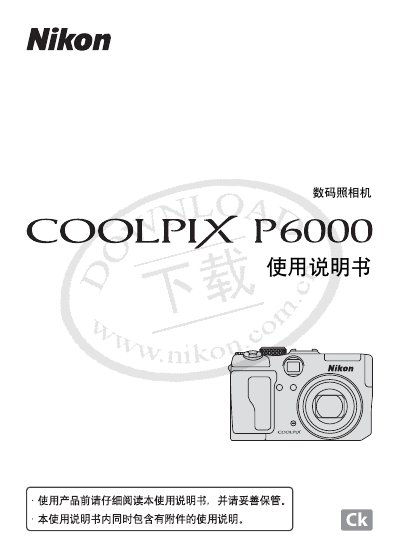
Nikon COOLPIX P6000 Digital Camera User Manual
The document serves as a comprehensive guide for the Nikon COOLPIX P6000 digital camera. It begins with essential safety instructions regarding the use of the camera, batteries (EN-EL5), and power adapters to prevent injury or damage.
The manual details various features including automatic shooting modes, scene-specific settings, GPS functionality, video recording, and sound recording. It also provides instructions on connecting the device to televisions, computers, and printers, as well as uploading photos to servers. This manual is written in Chinese.
Nikon COOLPIX P6000 specifications
| C‑mount outer diameter | 25.4 mm |
|---|---|
| Conversion ring diameter | 30 mm |
| Compatible C‑mount type | Direct (1.0) only |
All Nikon COOLPIX P6000 documents by type
Day-to-day operation, settings and troubleshooting. Start here if the product is already set up.
Questions answered in these manuals
What battery is compatible with this camera?
The EN-EL5 is the dedicated rechargeable lithium-ion battery for the COOLPIX P6000.
Can I use a travel transformer with this camera?
No, do not connect electronic transformers or AC/DC inverters intended for overseas travel.
How can I set the camera for manual exposure with the adapter?
Rotate the MODE DIAL to M (manual), press FOCUS MODE, select MF, set ISO, aperture (F‑number), and shutter speed as needed, then capture the image.
What ISO range should I use to avoid noise?
Keep ISO at or below 800; higher values may introduce noise.