
Key facts
- Brand
- Nikon
- Model
- COOLPIX S9500/S9400
- Category
- Digital cameras
- Industry
- Computers
- Documents
- 2
- Languages
- ZH
- Last added
- 2026-10-23
Start here
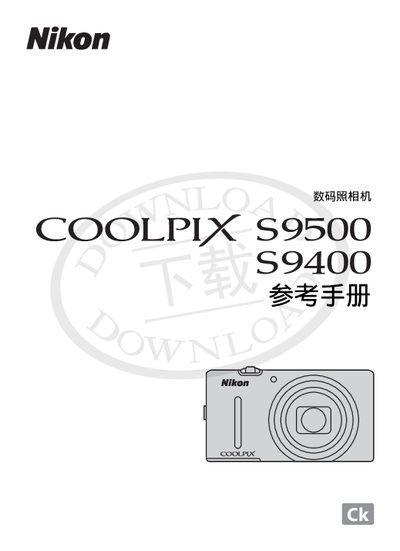
Nikon COOLPIX S9500/S9400 Digital Camera Reference Manual
This reference manual covers the camera's components and main functions, basic shooting and playback operations, advanced shooting features such as animation recording, GPS and Wi‑Fi capabilities, and general settings. It also includes detailed sections on battery handling, power adapters, storage cards, and maintenance procedures.
Safety notices, legal warnings, and guidelines for proper use are provided, along with instructions for disposing of data storage devices, using only Nikon‑branded accessories, and troubleshooting common issues. This manual is written in Chinese.
Nikon COOLPIX S9500/S9400 specifications
| Charging indicator (slow flash) | Battery is charging |
|---|---|
| Charging temperature range | 5 °C to 35 °C |
| Wi‑Fi reset option | All Reset clears Wi‑Fi settings |
Source: Nikon COOLPIX S9500/S9400 Digital Camera Reference Manual
All Nikon COOLPIX S9500/S9400 documents by type
Day-to-day operation, settings and troubleshooting. Start here if the product is already set up.
Questions answered in these manuals
How can I record an animation on the COOLPIX S9500?
Press the e‑animation record button (b) to start recording; you can adjust tone with shooting mode and white‑balance settings, and record in slow‑motion or fast‑motion.
From: Nikon COOLPIX S9500/S9400 Digital Camera Reference Manual
How do I disable GPS logging on the COOLPIX S9500?
Open the settings menu and turn off the GPS option (A91) to stop recording GPS data.
From: Nikon COOLPIX S9500/S9400 Digital Camera Reference Manual