
Key facts
Start here
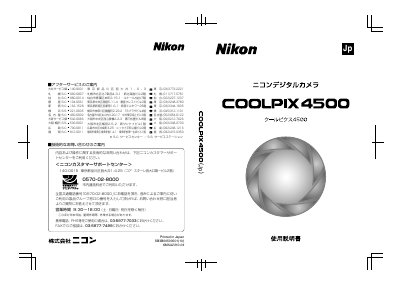
Nikon COOLPIX4500 Digital Camera User Manual
The Nikon COOLPIX4500 user manual explains the operational flow from preparing the camera and setting up menus to shooting, playback, deleting images, and transferring images to a computer. It also covers viewing images on a television.
The manual states that the COOLPIX4500 comes with a Quick Start Guide, this user manual, and a Nikon View 5 Reference Manual on CD-ROM. It also notes that the Rechargeable Battery EN-EL1 is compatible with the COOLPIX4500. This manual is written in Japanese.
Nikon COOLPIX4500 specifications
| Effective pixels | 4.0 million |
|---|---|
| Digital zoom | 4.0× |
| Image size (max) | 2272×1704 |
| Lens focal length | 7.85–32 mm (38–155 mm equiv.) |
| Maximum aperture | f/2.6 – f/5.1 |
| Focus range | 30 cm to ∞ (50 cm at widest zoom) |
| Viewfinder magnification | 0.34–1.27× |
| Monitor size | 1.5‑inch TFT LCD |
All Nikon COOLPIX4500 documents by type
Day-to-day operation, settings and troubleshooting. Start here if the product is already set up.
Questions answered in these manuals
How do I connect the COOLPIX4500 to a computer?
Install the Nikon View 5 software from the supplied CD and connect the camera to the computer with the provided USB cable.
What battery does the COOLPIX4500 use?
The camera uses a rechargeable Nikon EN‑EL1 lithium‑ion battery or a six‑volt 2CR5 (DL245) lithium battery.
What manuals are supplied with the COOLPIX4500?
A Quick Start Guide, a User Manual, and a Nikon View 5 Reference Manual on CD-ROM are supplied.
What is the Rechargeable Battery EN-EL1 described as?
It is described as a rechargeable battery dedicated to Nikon digital cameras.