
This manual provides instructions for setting up, updating firmware, and using the NETGEAR Push2TV adapter to wirelessly mirror content from Intel WiDi or…
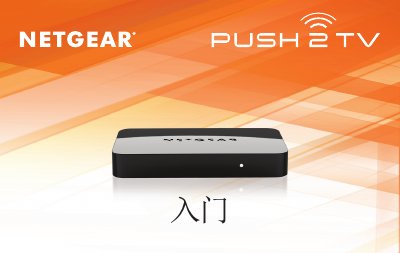
The NETGEAR Push2TV is a wireless display adapter designed to connect laptops, smartphones, and tablets running Intel Wireless Display (WiDi) or Wi-Fi CERTIFIED Miracast™ technology to a television. It allows users to mirror photos, videos, music, and websites from their mobile devices onto a large-screen TV via an HDMI connection. This manual is written in Chinese.
Many discs have copy protection mechanisms that prevent playback through Intel Wireless Display software v2.1.0.0 and earlier versions.
Check the wireless connection using Intel Wireless Display software and reconnect to Push2TV, or move your laptop closer to the adapter for a clear line of sight.
Use a paperclip to press and hold the reset button on the side of the device for 10 seconds.