
Key facts
Start here
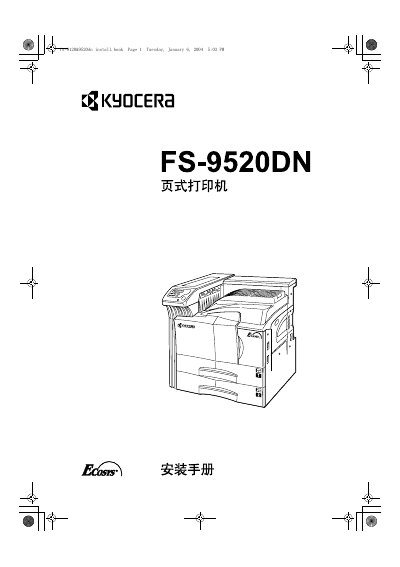
Kyocera FS-9120/9520DN Printer Installation Manual
This document is an installation manual for the Kyocera FS-9120/9520DN page printer. It lists the shipped items and walks through unpacking, removing packing tape, selecting a location, installing the toner container and waste toner box, connecting the printer to a computer, connecting the power cord, loading paper, turning on the printer and printing a status page.
It also includes interface connection notes, safety information and a description of the operation panel indicators and keys. The manual notes that the printer is factory-set to HP PCL 6 emulation and can be connected via standard Centronics parallel, USB or 10Base-T/100Base-TX network interfaces. This manual is written in Chinese.
Kyocera FS-9120 specifications
| Factory emulation | HP PCL 6 |
|---|---|
| Standard interfaces | Centronics parallel, USB, 10Base-T/100Base-TX network |
| Operating temperature | 10 to 32.5°C (50 to 90.5°F) |
| Laser classification | Class 1 laser product |
All Kyocera FS-9120 documents by type
Mounting, wiring and first power-up. Read it before the hardware goes in.
Disassembly, diagnostics and part numbers, for repair.
Questions answered in these manuals
How do I connect the printer to a computer?
The printer has standard Centronics parallel, USB and 10Base-T/100Base-TX network interfaces for connecting to a computer.
What emulation is selected when the printer is shipped?
It is set to HP PCL 6 emulation at the factory.
Which Kyocera models are covered by this service manual?
The manual covers the Kyocera FS-9120DN and FS-9520DN.
What is the publication date of the manual?
The manual is dated December 2003.
Which printer models does this service manual cover?
It covers the Kyocera FS-9120DN and FS-9520DN printers.
Who published this manual and when?
KYOCERA MITA Corporation published it in 2003.