
Key facts
Start here
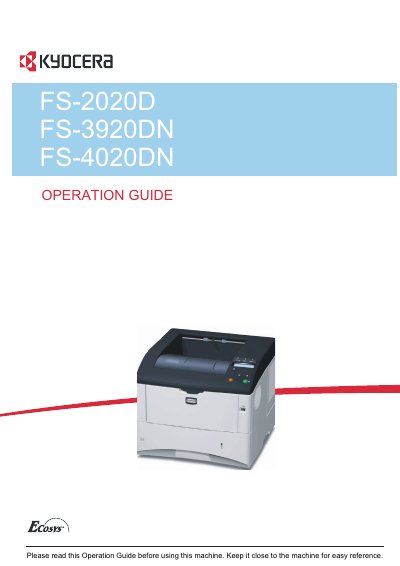
Kyocera FS-2020D FS-3920DN FS-4020DN Operation Guide
This Operation Guide provides step-by-step instructions for loading paper, connecting the printer, printing, replacing toner, and performing maintenance. It also includes troubleshooting tips and safety information. The guide covers both inch and metric versions of the machines, with inch version details shown in the text. Additional guides for advanced operation and installation are included with the machine.
Read onlineAll Kyocera FS-3920DN documents by type
Day-to-day operation, settings and troubleshooting. Start here if the product is already set up.
Disassembly, diagnostics and part numbers, for repair.
Questions answered in these manuals
What software emulation mode is the printer factory-set to use?
The printer is factory-set to emulate the PCL emulation mode.
How many printers can you use the licensed fonts on?
You have the right to use the fonts on up to three printers.
What risk is associated with replacing the battery with an incorrect type?
Using an incorrect battery type can cause an explosion, and the used batteries must be discarded according to the instructions.